Transfers Screen
Purpose
Section titled “Purpose”The transfers screen coordinates stock movement from one location to another.
What You See
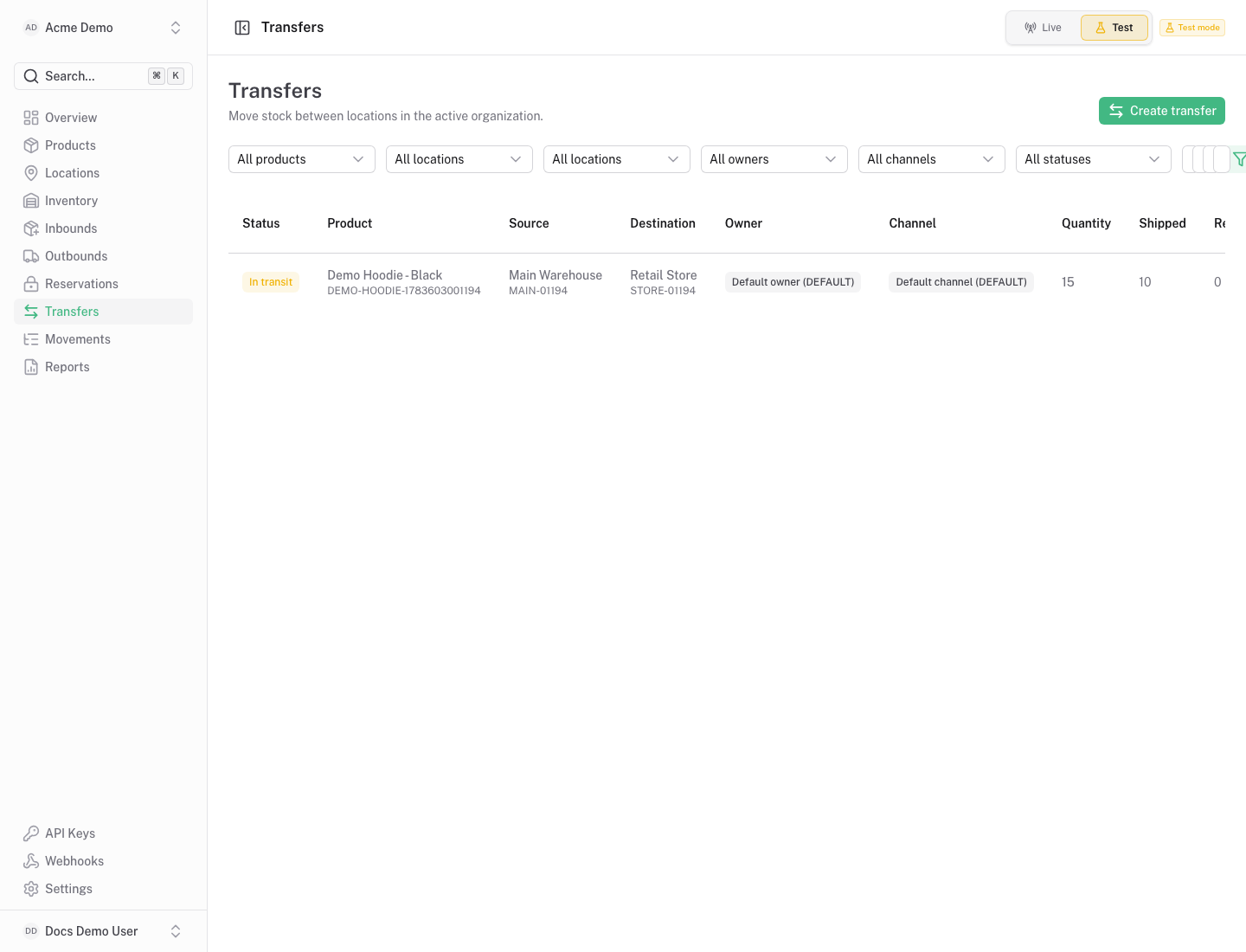
Section titled “What You See”- Transfer table with source location, destination location, quantity, shipped quantity and received quantity.
- Status and reference fields.
- Actions for ship, receive, close or cancel depending on transfer state.
Available Actions
Section titled “Available Actions”- Create transfer.
- Ship transfer quantity from the source location.
- Receive shipped quantity into the destination location.
- Close or cancel when appropriate.
Permissions
Section titled “Permissions”Viewing transfers requires transfer read access. Creating, shipping and receiving transfers require transfer write access.
Common States
Section titled “Common States”Receiving cannot exceed shipped quantity. Closing a transfer records the workflow result without editing historical movements.