Products Screen
Purpose
Section titled “Purpose”The products screen manages the items that can be stocked, received, reserved, transferred and reported.
What You See
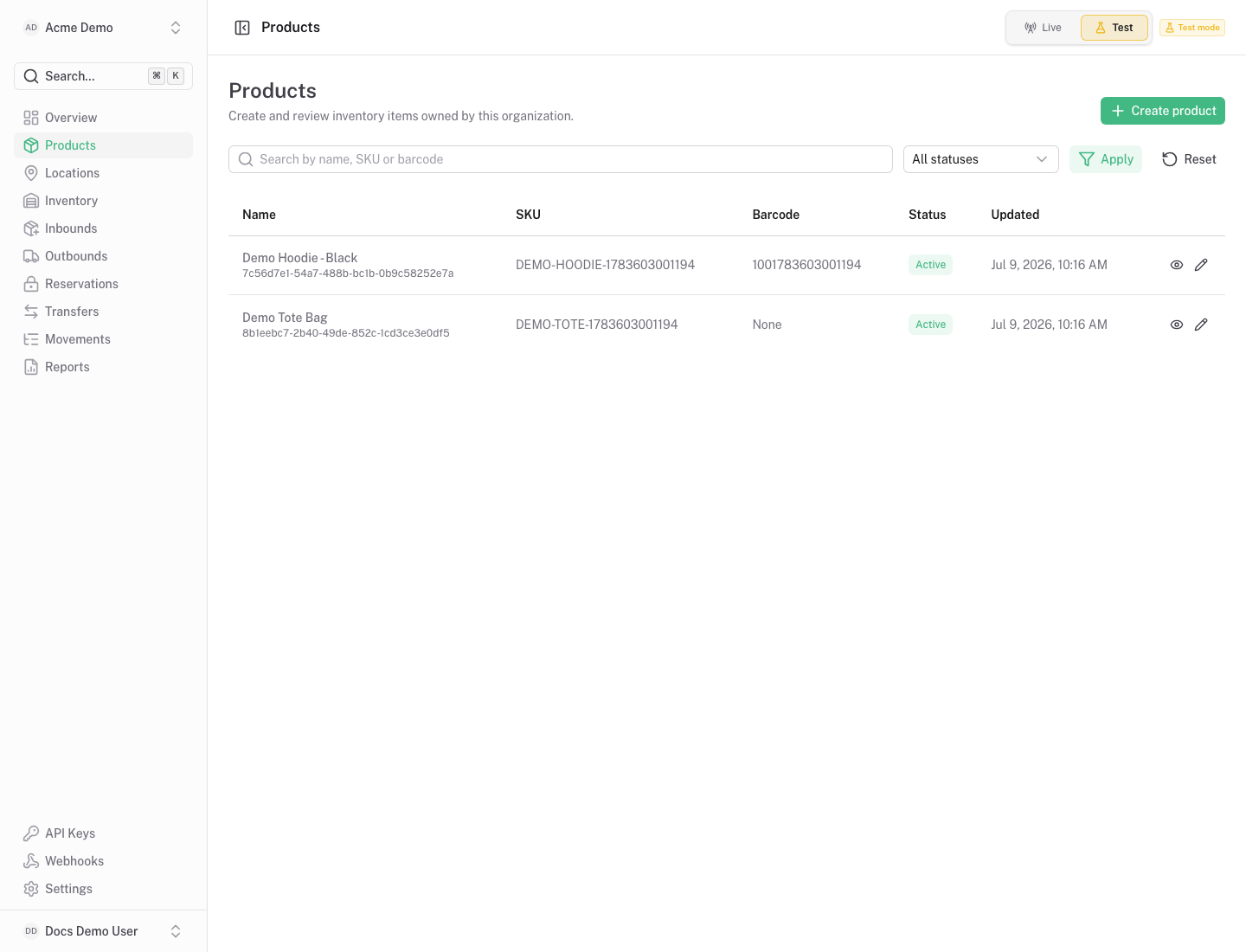
Section titled “What You See”- Product table with SKU, name, status and product metadata.
- Search and status filters for large catalogs.
- Row actions for details and editing.
- A create/edit form when adding or updating a product.
Available Actions
Section titled “Available Actions”- Create product.
- Edit product details.
- Open the product detail page.
- Filter by search text or status.
Permissions
Section titled “Permissions”Product reads are available to organization members. Creating or editing products requires product write access for the organization.
Common States
Section titled “Common States”An empty screen means no products exist in the selected organization and environment. Create products before receiving stock.