Movements Screen
Purpose
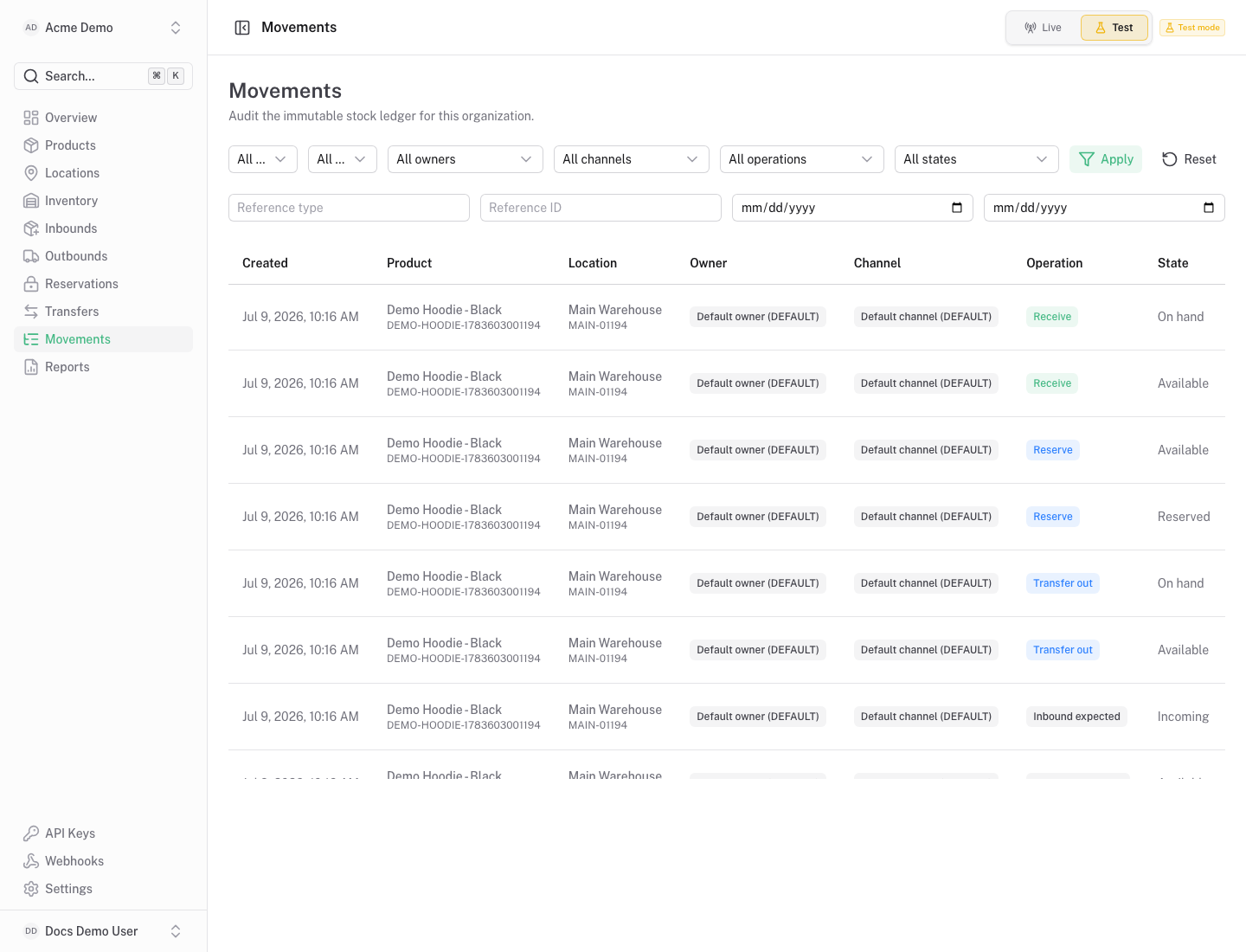
Section titled “Purpose”The movements screen explains how inventory changed over time.
What You See
Section titled “What You See”- Movement table with operation, product, location, quantity, balance before and balance after.
- Filters for operation, product, location, date range and reference.
- Detail panel for movement metadata and actor context.
Available Actions
Section titled “Available Actions”- Filter movement history.
- Open movement details.
- Use request and reference context for support or audit review.
Permissions
Section titled “Permissions”Inventory read access is required. Historical movements are not edited or deleted from the workspace.
Common States
Section titled “Common States”Corrections should be represented by new compensating movements, not by changing historical entries.