Product Detail Screen
Purpose
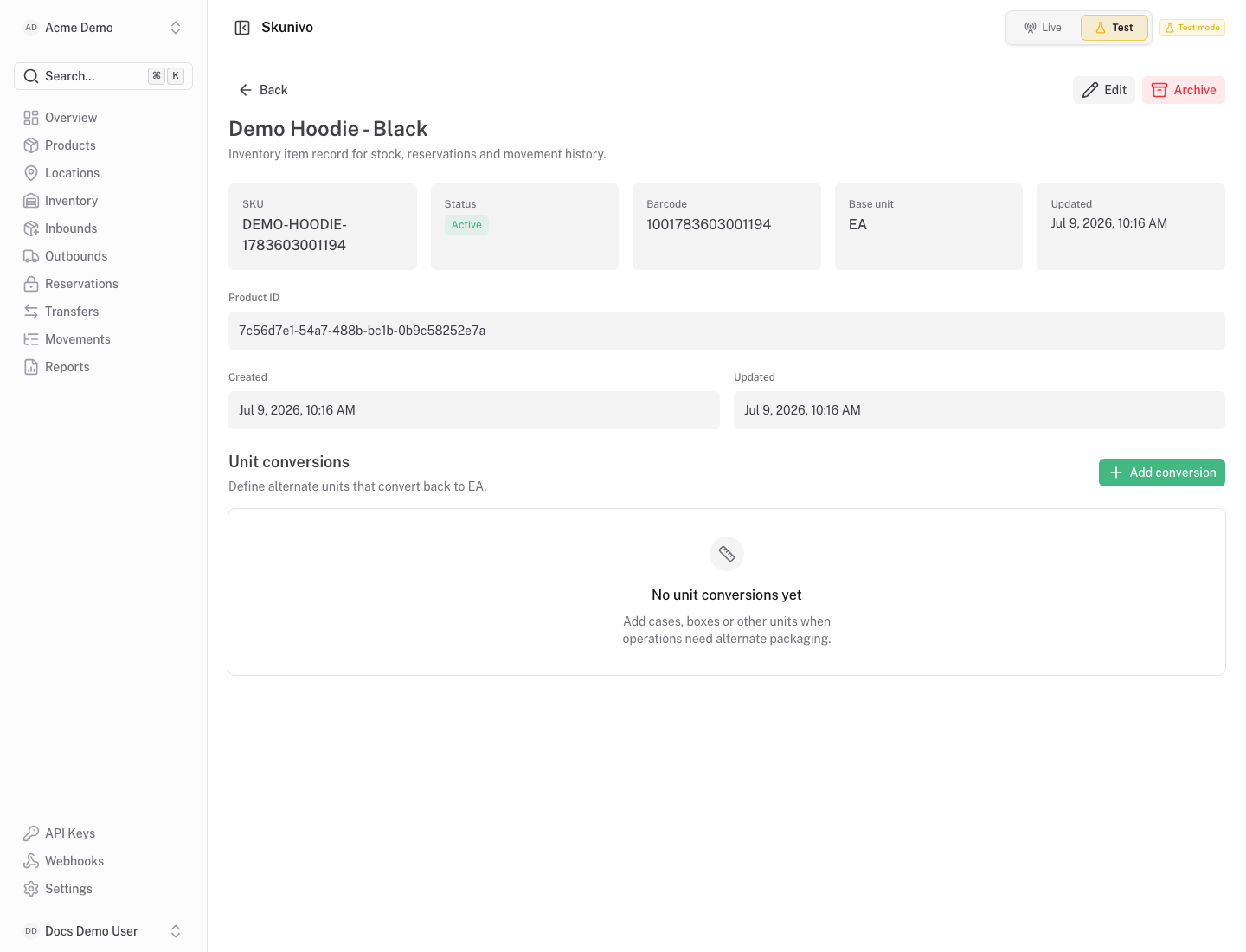
Section titled “Purpose”The product detail screen gives a focused view of one SKU across inventory state and operational history.
What You See
Section titled “What You See”- Product identity, SKU, status and descriptive fields.
- Related balances by location and inventory state.
- Recent movements that affected the product.
Available Actions
Section titled “Available Actions”- Return to the product list.
- Review balances connected to the SKU.
- Use inventory screens for stock-changing actions.
Permissions
Section titled “Permissions”Organization members with product read access can view this page. Inventory actions remain controlled by inventory permissions.
Common States
Section titled “Common States”If the product has no stock yet, balance and movement sections can be empty. Receive stock from the inventory screen to create the first ledger movement.