Locations Screen
Purpose
Section titled “Purpose”The locations screen manages where stock can exist or move through.
What You See
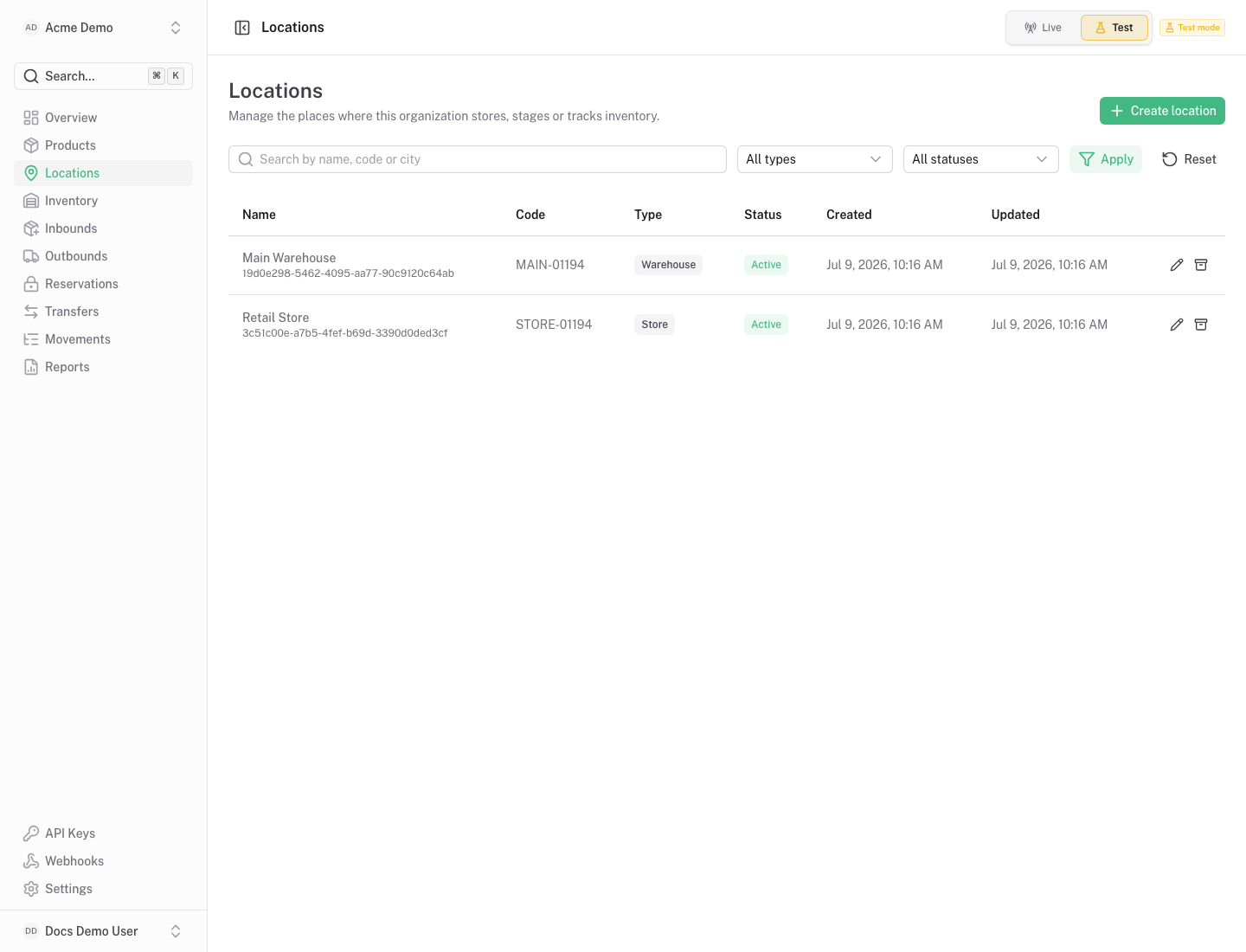
Section titled “What You See”- Location table with code, name, type, status and address context.
- Search, status and type filters.
- Row actions for details and editing.
- A create/edit form for location profile fields.
Available Actions
Section titled “Available Actions”- Create location.
- Edit location.
- Open the location detail page.
- Filter locations by status, type or search text.
Permissions
Section titled “Permissions”Organization members can view locations. Creating or editing locations requires inventory write access.
Common States
Section titled “Common States”An empty screen means no locations exist yet. Create at least one location before receiving stock.