Location Detail Screen
Purpose
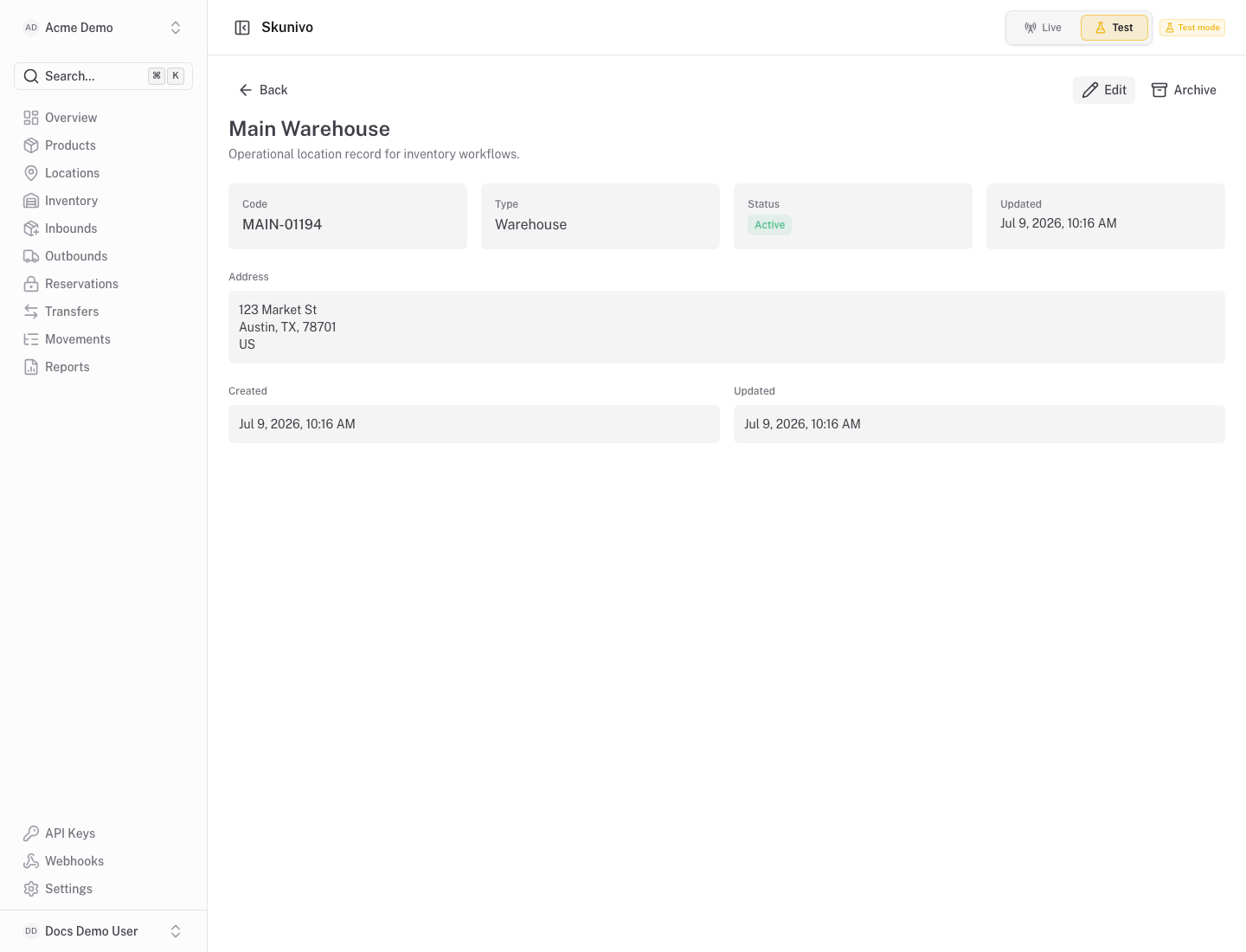
Section titled “Purpose”The location detail screen shows the operational context for one warehouse, store or virtual location.
What You See
Section titled “What You See”- Location identity, code, type, status and address fields.
- Related balances at that location.
- Recent movement context when inventory has changed there.
Available Actions
Section titled “Available Actions”- Return to the locations list.
- Review balances for this location.
- Use inventory and transfer screens for stock-changing workflows.
Permissions
Section titled “Permissions”Organization members with location read access can view this page. Stock operations require inventory write access.
Common States
Section titled “Common States”If no stock has been received into the location, balances and movement context can be empty.