Balance Detail Screen
Purpose
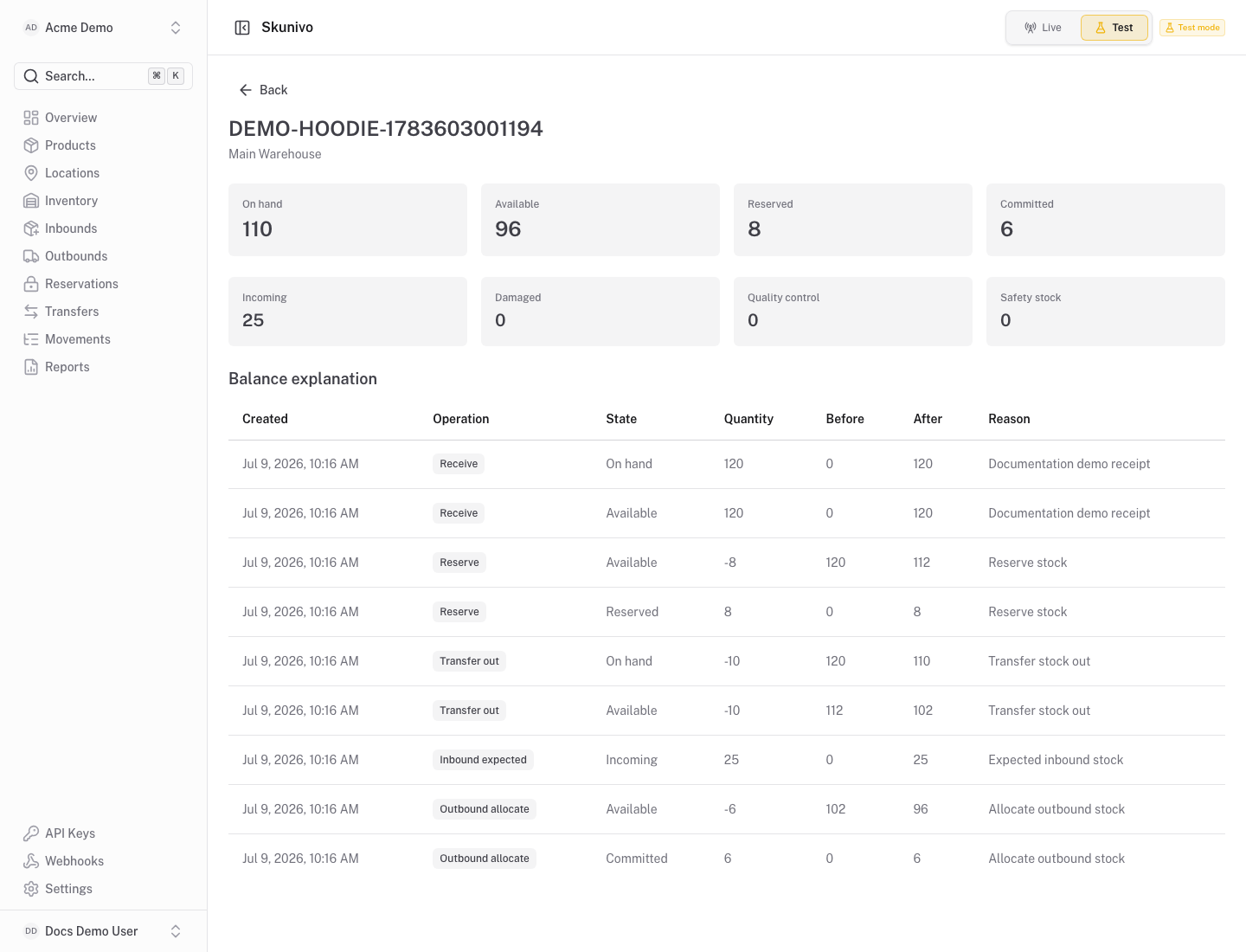
Section titled “Purpose”The balance detail screen explains one stock balance in context.
What You See
Section titled “What You See”- Product, location and segment identity for the balance.
- Current quantities by inventory state.
- Movement history related to that balance.
Available Actions
Section titled “Available Actions”- Return to the inventory list.
- Review movements connected to the balance.
- Continue stock operations from the inventory screen.
Permissions
Section titled “Permissions”Inventory read access is required to view this page. Stock-changing actions are handled elsewhere and require write access.
Common States
Section titled “Common States”If a balance has just been created, the movement history should still show the operation that created or changed it.