Reservations Screen
Purpose
Section titled “Purpose”The reservations screen manages stock held for demand before it is committed or released.
What You See
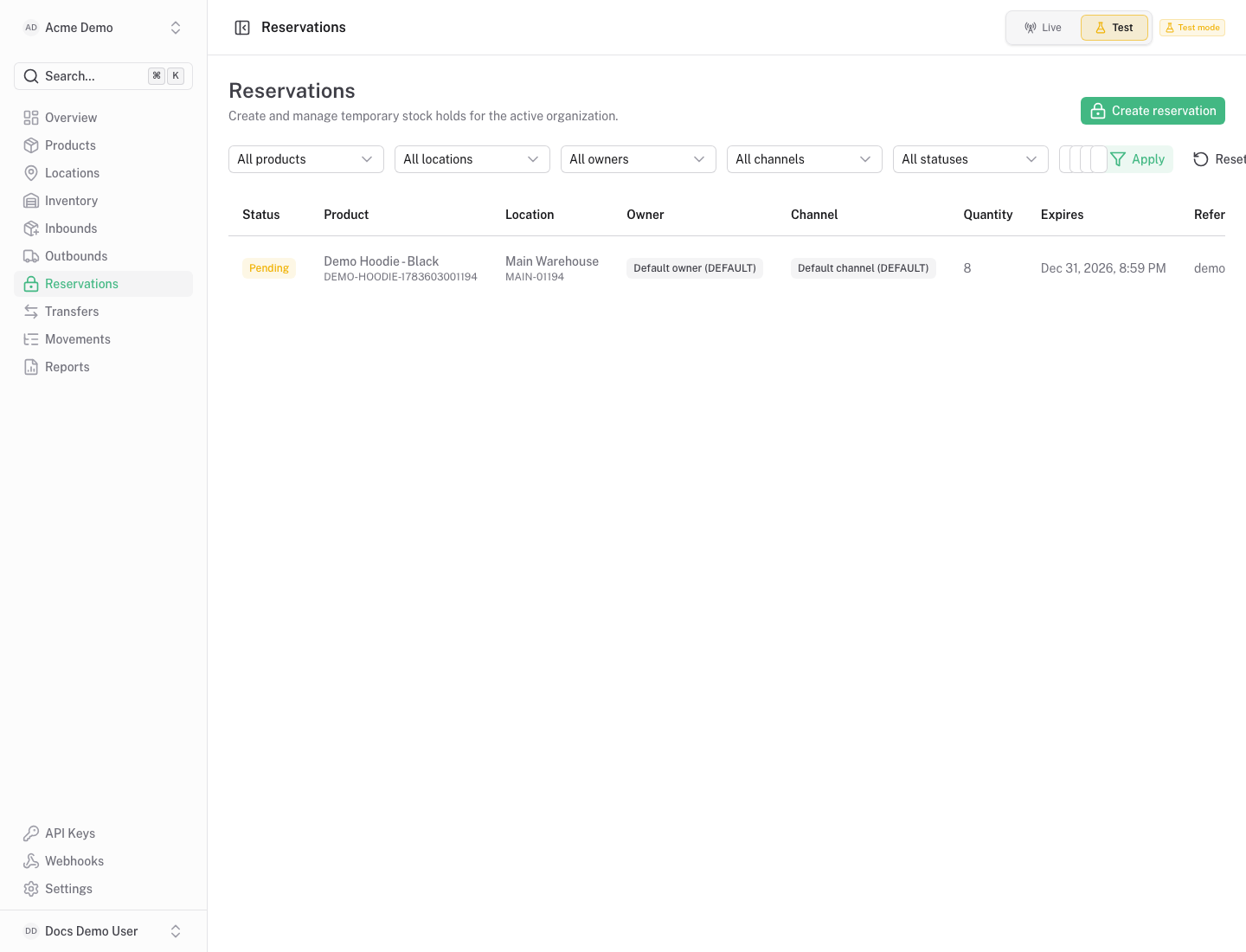
Section titled “What You See”- Reservation table with product, location, quantity, status and expiration context.
- Filters for status and operational references.
- Actions for commit, release or cancel depending on reservation status.
Available Actions
Section titled “Available Actions”- Create reservation.
- Commit reserved stock.
- Release stock back to available.
- Cancel a reservation.
- Filter reservations.
Permissions
Section titled “Permissions”Viewing reservations requires reservation read access. Creating and changing reservations requires reservation write access.
Common States
Section titled “Common States”Reservations reduce available quantity while keeping stock on hand. Expired or released reservations should return quantity to available stock.