Inbounds Screen
Purpose
Section titled “Purpose”The inbounds screen manages expected stock before it becomes on-hand inventory.
What You See
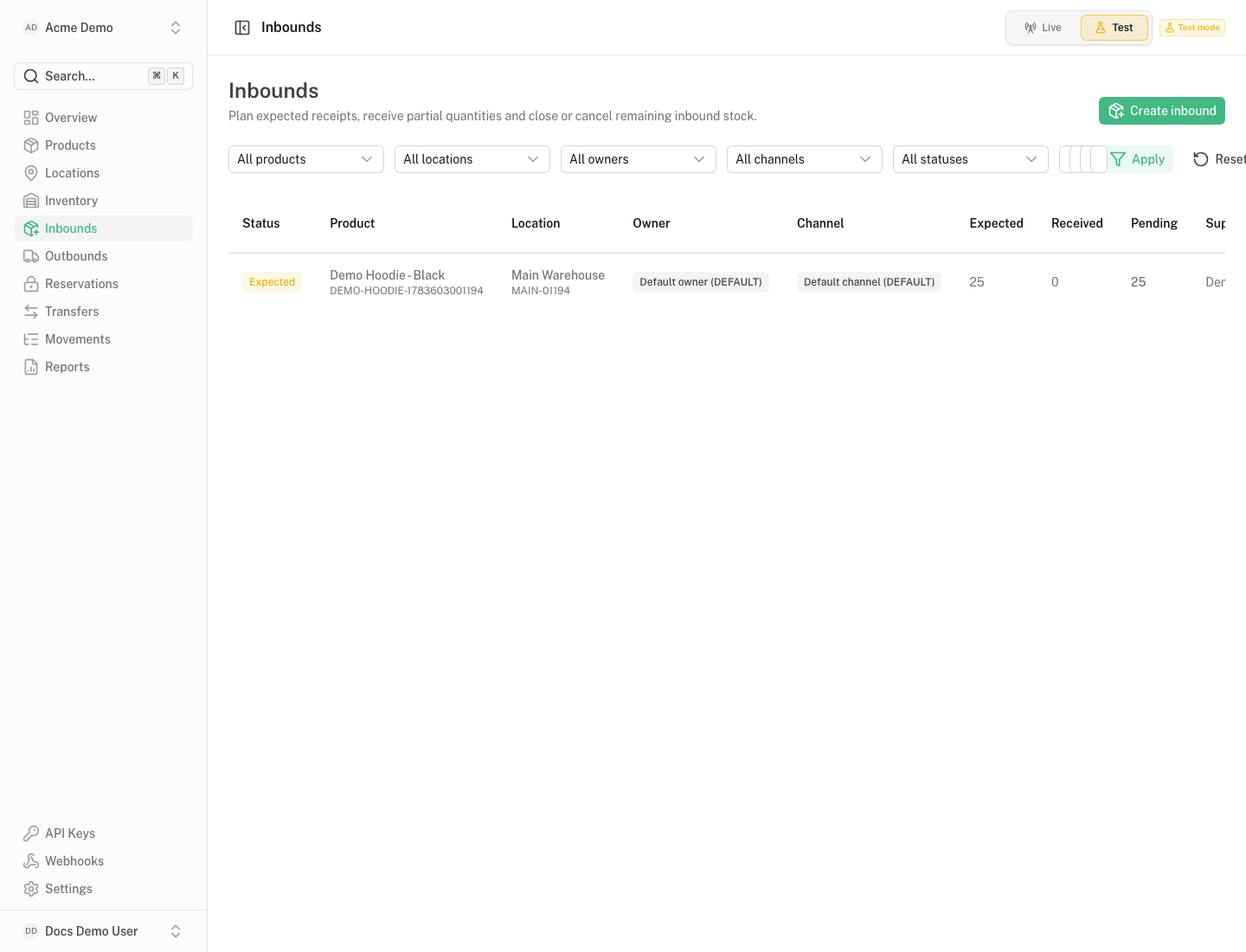
Section titled “What You See”- Inbound table with product, location, expected quantity, received quantity and status.
- Supplier and external reference context.
- Actions to receive, close or cancel inbound records when allowed.
Available Actions
Section titled “Available Actions”- Create inbound.
- Receive inbound quantity.
- Close or cancel an inbound when appropriate.
- Filter inbound records.
Permissions
Section titled “Permissions”Viewing inbounds requires inventory read access. Creating or receiving inbounds requires inventory write access.
Common States
Section titled “Common States”Creating an inbound increases incoming quantity. Receiving it creates movements that update on hand and available stock.