Outbounds Screen
Purpose
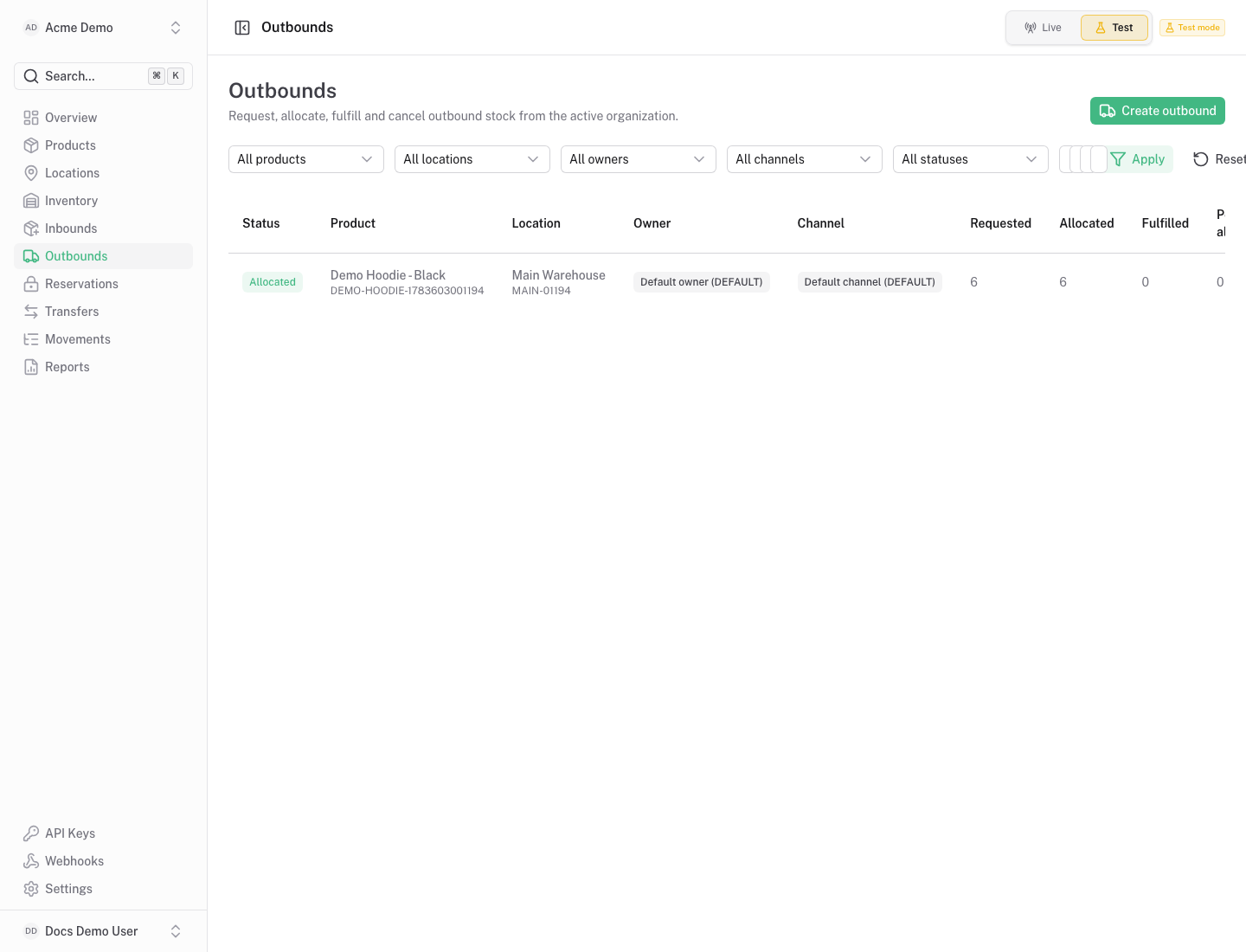
Section titled “Purpose”The outbounds screen tracks inventory demand that should leave stock, usually for fulfillment.
What You See
Section titled “What You See”- Outbound table with customer, external order, status and requested quantities.
- Line-level product and quantity context.
- Actions for allocation, pick, pack, ship and cancellation when enabled by status.
Available Actions
Section titled “Available Actions”- Create outbound.
- Allocate stock.
- Pick and pack outbound lines.
- Ship outbound stock.
- Cancel an outbound before completion.
Permissions
Section titled “Permissions”Viewing outbounds requires inventory read access. Fulfillment actions require inventory write access.
Common States
Section titled “Common States”Pick and pack are workflow states. Shipping is the action that changes committed and on-hand quantities.