Settings Screen
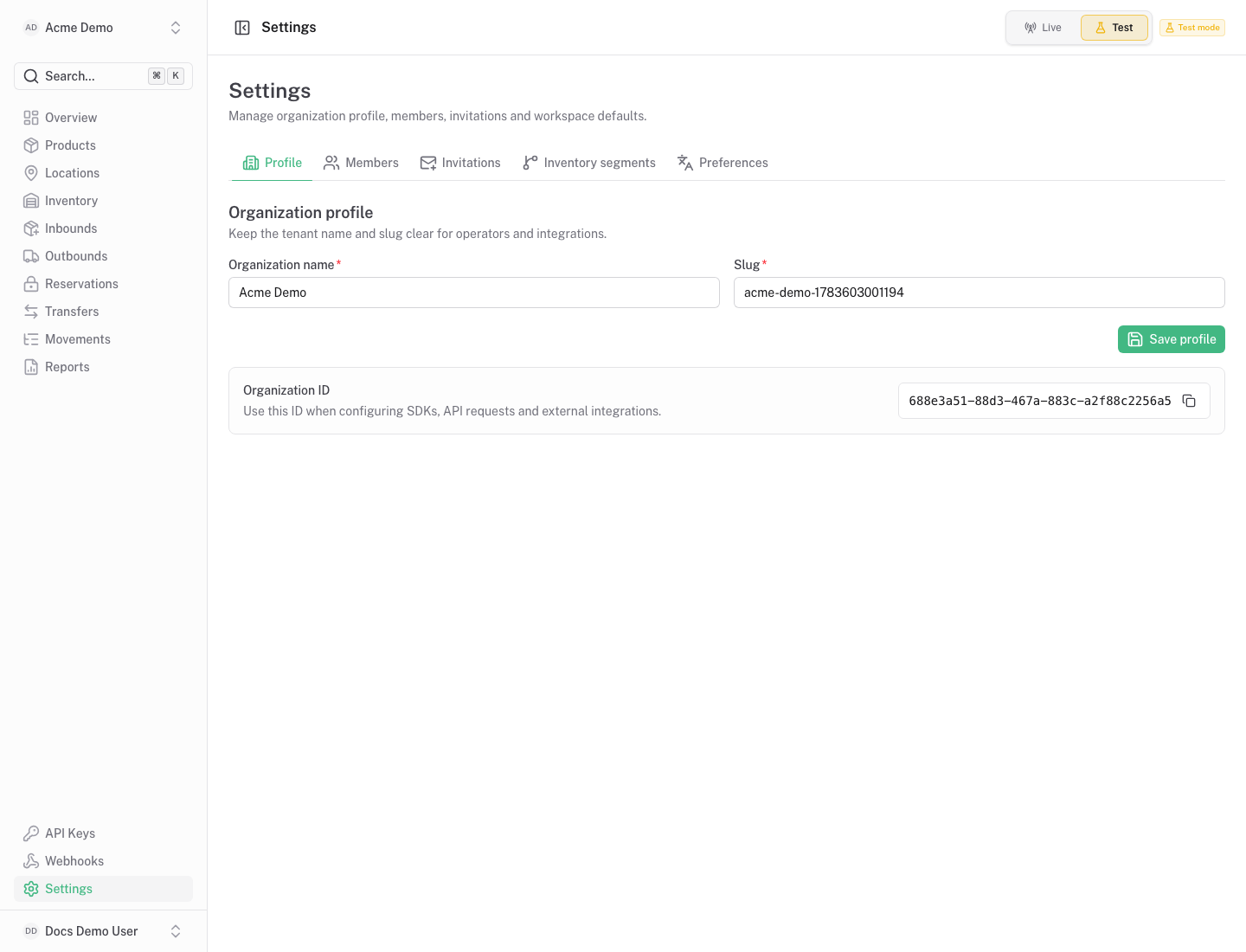
Purpose
Section titled “Purpose”The settings screen controls organization-level configuration.
What You See
Section titled “What You See”- Organization profile and preference forms.
- Member list and role controls.
- Invitation list and invite form.
- Inventory owners and channels.
- Read-only notices when the current role cannot manage the section.
Available Actions
Section titled “Available Actions”- Update organization profile.
- Invite members.
- Update or remove members.
- Revoke invitations.
- Create and edit inventory owners and channels.
- Update organization preferences.
Permissions
Section titled “Permissions”Most settings are owner-only. Non-owner members may see read-only states.
Common States
Section titled “Common States”Inventory owners and channels segment stock by operational ownership and selling channel. Use defaults unless your organization needs segmentation.