Profile Screen
Purpose
Section titled “Purpose”The profile screen manages personal account details for the signed-in user.
What You See
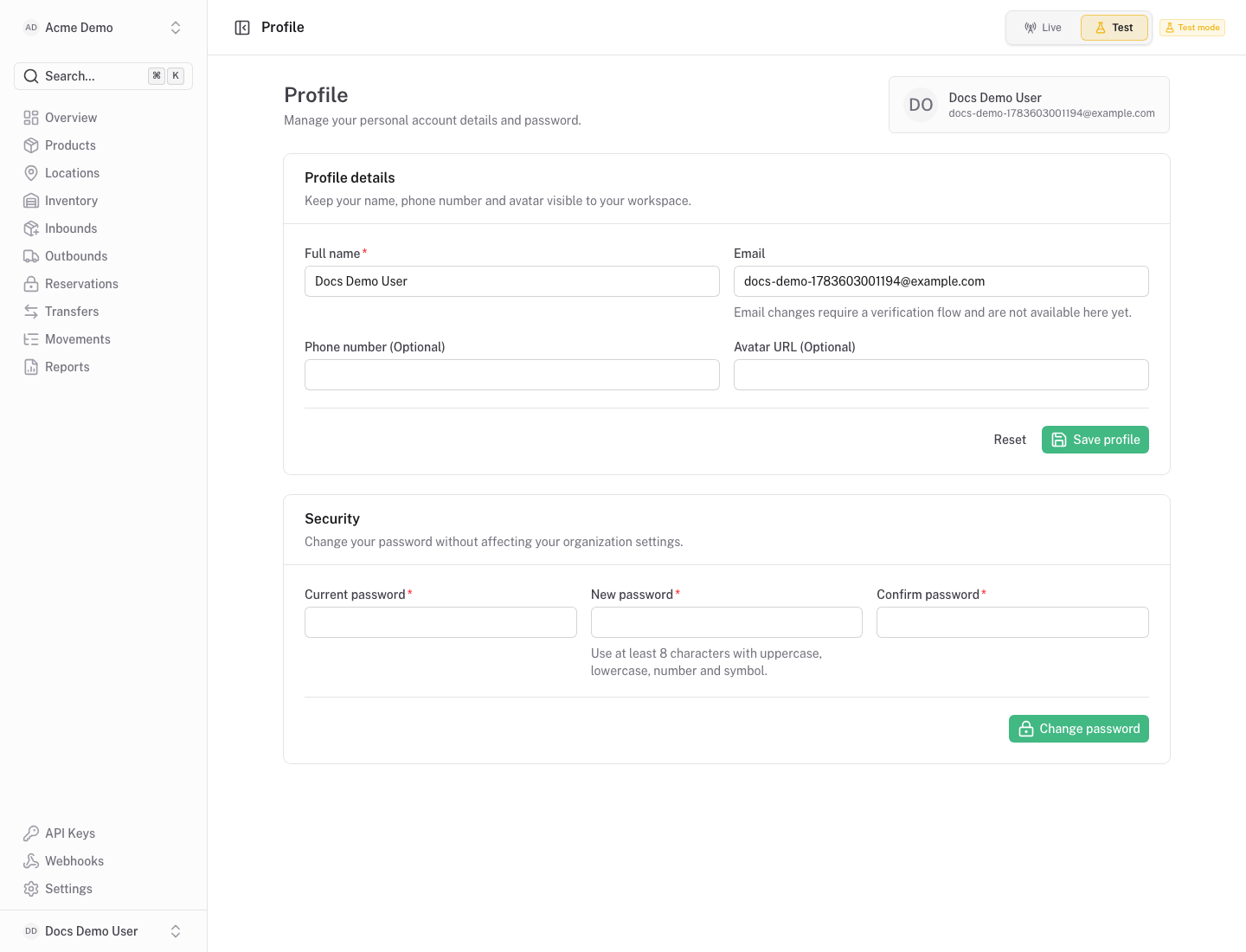
Section titled “What You See”- Profile form with name, phone number and avatar URL.
- Security form for password updates.
- Current account email and identity context.
Available Actions
Section titled “Available Actions”- Update profile details.
- Update password.
- Return to workspace screens from the main navigation.
Permissions
Section titled “Permissions”Any signed-in user can manage their own profile. Organization roles do not change personal profile access.
Common States
Section titled “Common States”Password changes require the current password and a valid new password confirmation.